

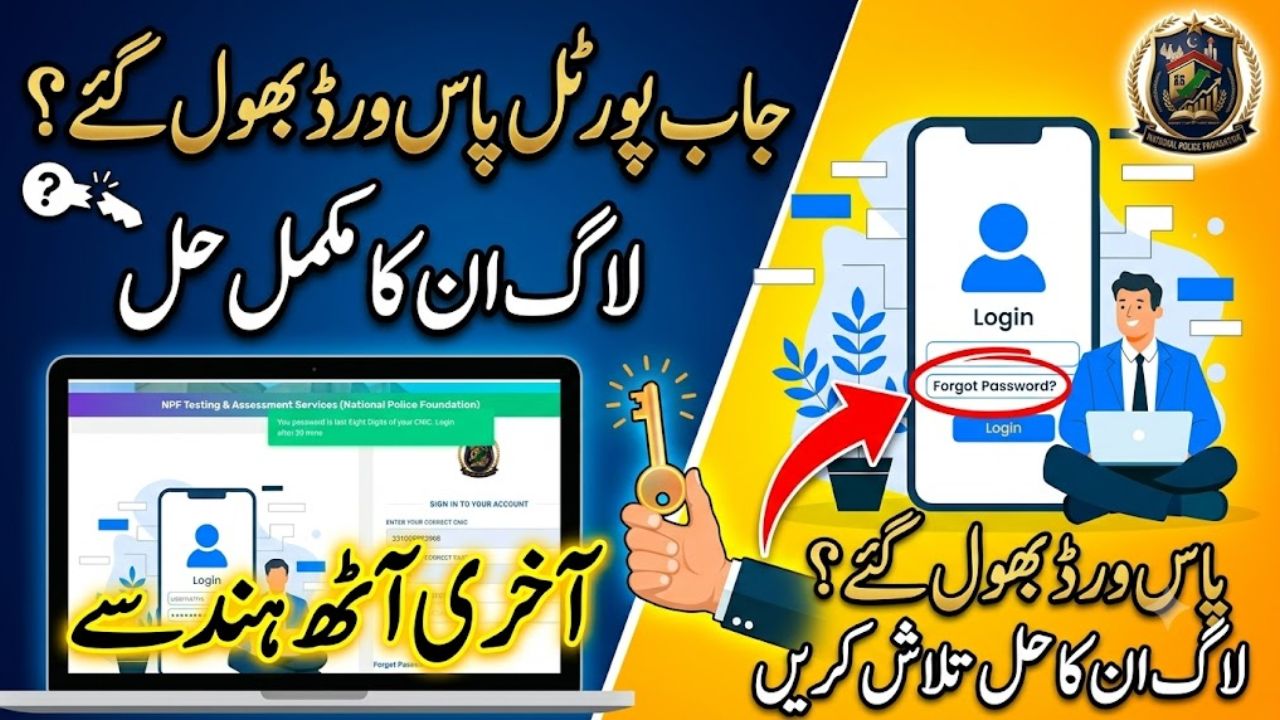
For many candidates applying for recruitment with the Federal Investigation Agency (FIA) or the Islamabad Capital Territory (ICT) Police, the National Police Foundation Testing & Assessment Services (NPF-TAS) portal is the primary gateway for managing their applications. However, it is quite common to encounter login issues, such as forgetting a password after the initial registration phase. If you find yourself locked out, this comprehensive guide will walk you through the recovery process to ensure you regain access to your dashboard, roll number slips, and application status.
Understanding the Portal Recovery Flow
Before attempting a password reset, ensure you are accessing the official portal at npftas.pk. The platform is designed for security, meaning it requires specific verification to protect your personal data.
| Section Number | Table of Contents |
| 1 | Introduction |
| 2 | Understanding the Portal Recovery Flow |
| 3 | Step-by-Step Password Reset Guide |
| 3.1 | Step 1: Navigate to the Password Recovery Page |
| 3.2 | Step 2: Verify Your Identity |
| 3.3 | Step 3: Password Auto-Generation |
| 3.4 | Step 4: Login to Your Dashboard |
| 4 | Managing Your Dashboard Post-Recovery |
| 5 | Getting Further Assistance |
Also Read More About: Islamabad (ICT) Police ASI (BPS-11) Salary & Career Guide
Step 1: Navigate to the Password Recovery Page
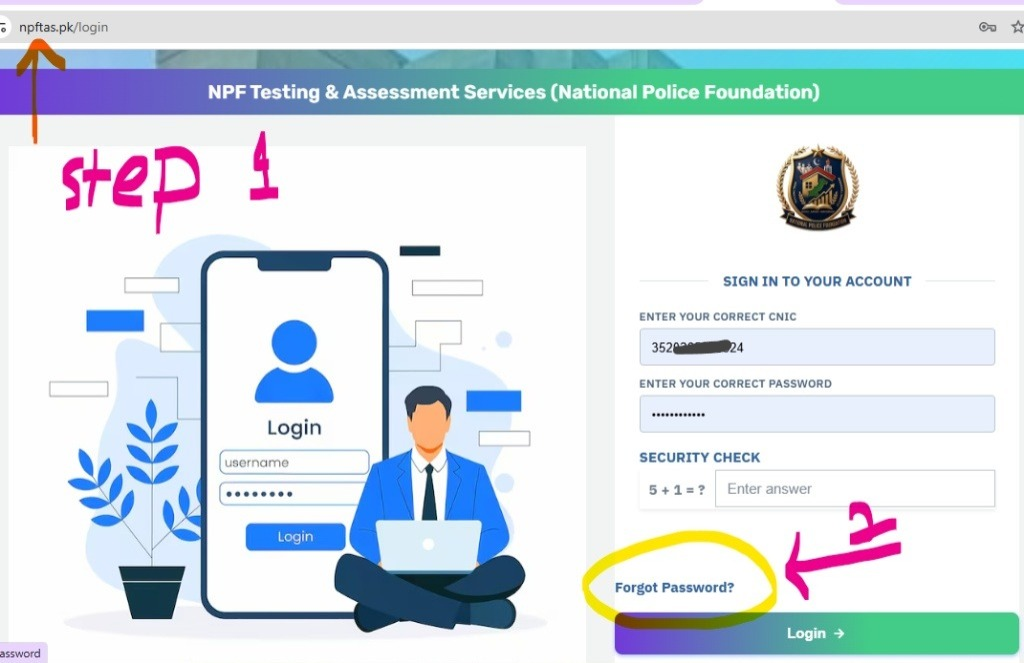
If you are unable to log in, you can start the recovery process directly from the login page.
- Go to the official NPFTAS login page.
- Locate and click on the “Forgot Password?” link.
- Alternatively, you can navigate directly to the NPFTAS password reset page.
Step 2: Verify Your Identity
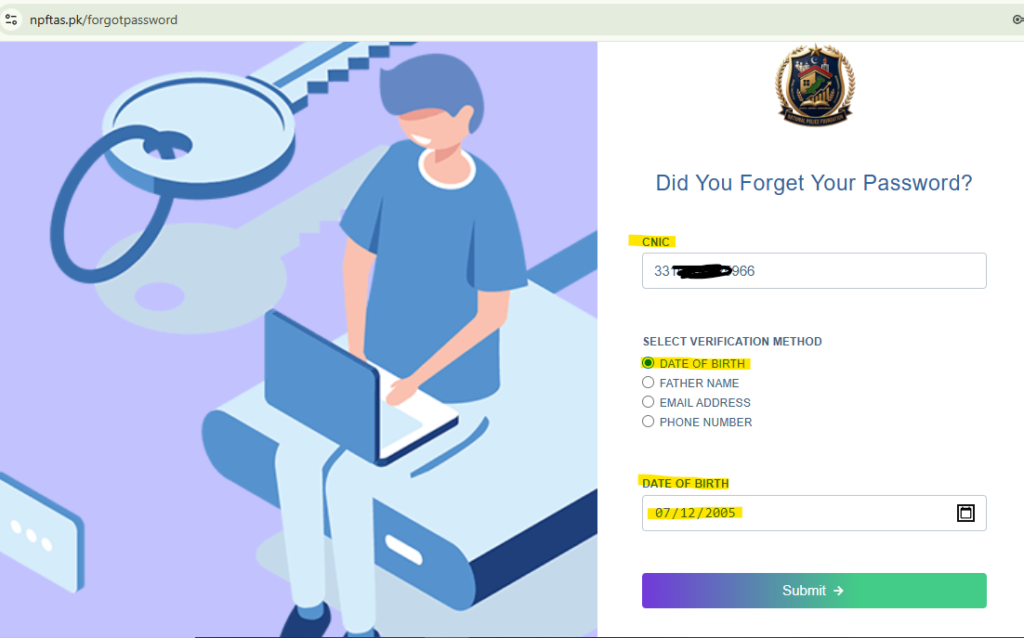
Once on the recovery page, you must verify your account details to proceed.
- Enter your 14-digit CNIC number without any dashes.
- Select one of the five verification methods to confirm your identity:
- Date of Birth
- Father’s Name
- Email Address
- Phone Number
- Date of Birth (Note: Date of Birth is provided as an option twice in the system)
- Enter the corresponding information for the method you selected and click “Submit”.
Step 3: Password Auto-Generation
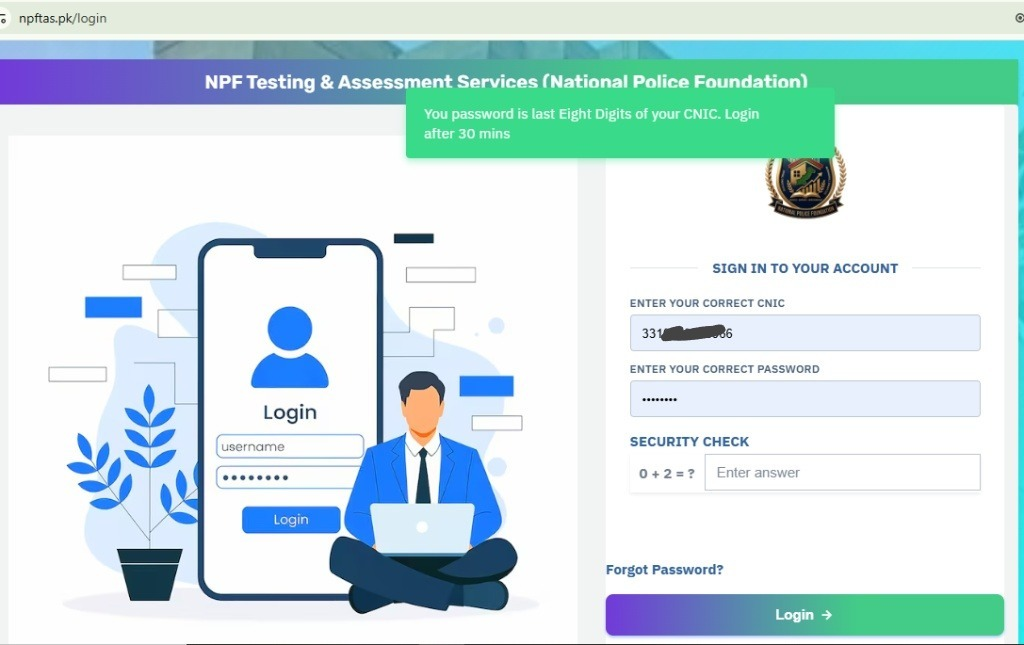
Upon successful verification, the system will automatically reset and generate a new password for your account.
- Your new password will be the last 8 digits of your CNIC number.
Step 4: Login to Your Dashboard
Now that you have your new credentials, you can access your profile.
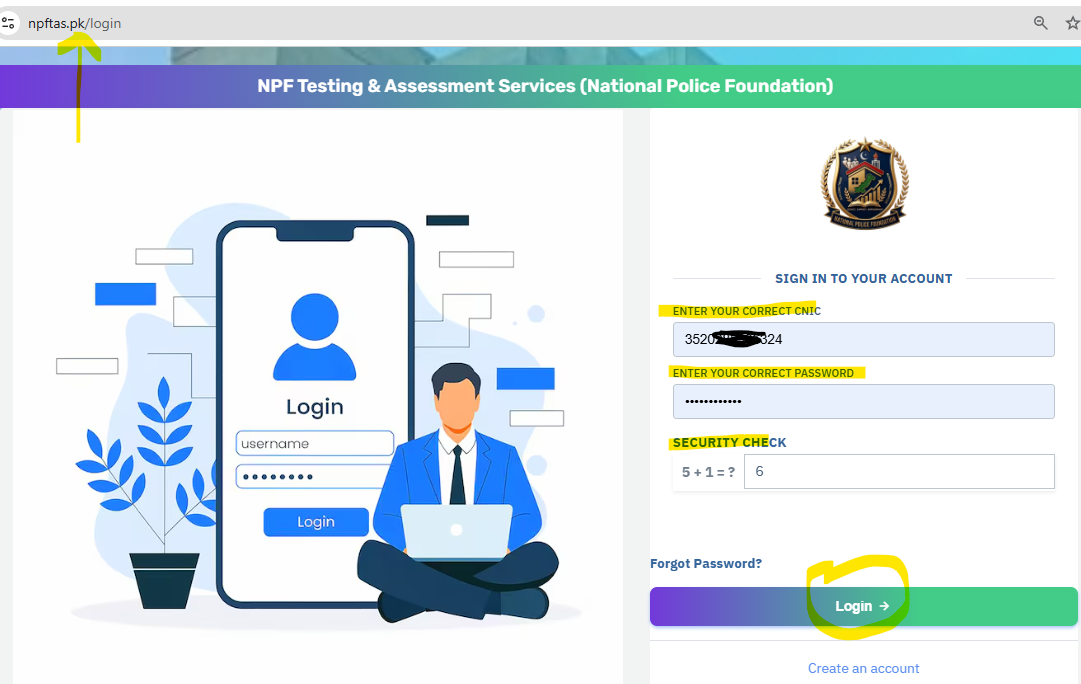
- Return to the NPFTAS login page.
- Enter your CNIC number and your newly generated password (the last 8 digits of your CNIC).
- Complete the security captcha by entering the correct answer to the displayed math problem.
- Click the “Login” button to enter your account.
What You Can Do After Logging In
Once you have successfully accessed your dashboard, you will have full control over your recruitment journey. You can use the portal to:
- Check Application Status: Monitor the progress of your submitted forms.
- Download Roll Number Slips: Easily access and print your slips for upcoming tests.
- Apply for New Jobs: Explore and submit applications for current openings, such as those related to the FIA or Islamabad Police.
Managing Your Dashboard Post-Recovery
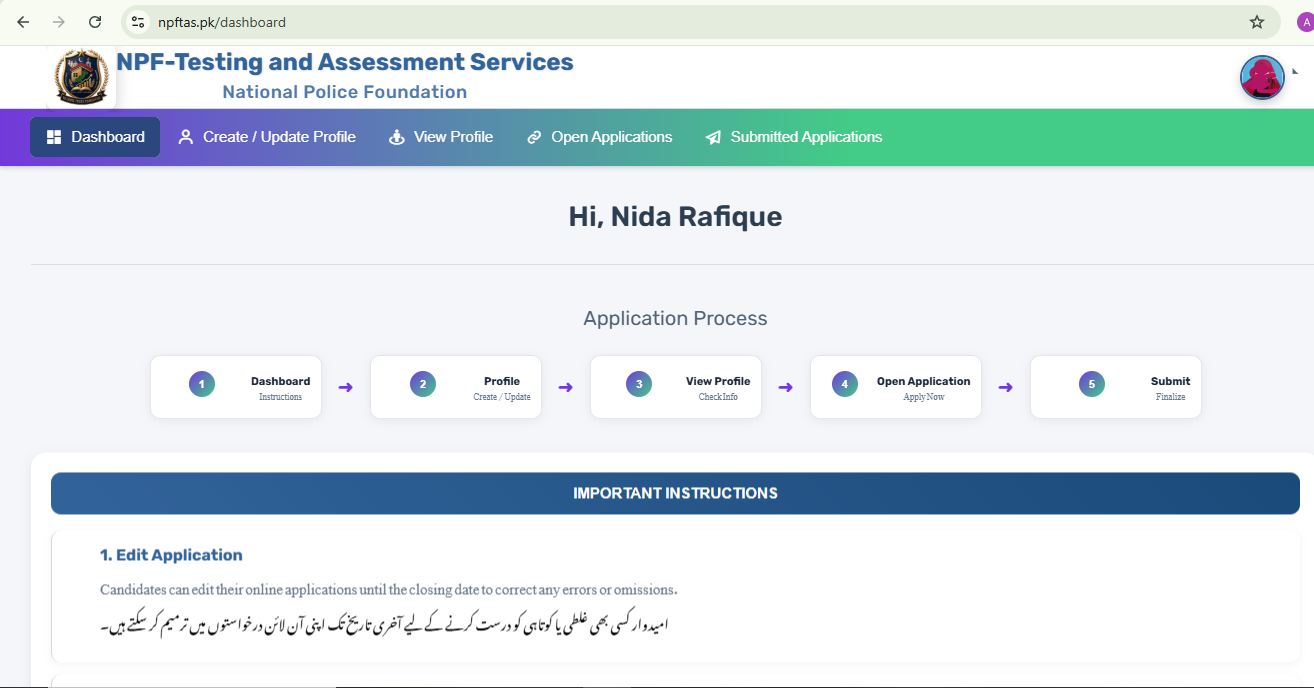
Once you have successfully regained access, your dashboard acts as your “mission control” for all recruitment-related activities. Within this space, you can:
- Track Application Status: View whether your application for FIA or Islamabad Police jobs has been processed or if there are any pending requirements.
- Download Roll Number Slips: As tests approach, the portal allows you to download your roll number slips directly. These slips are mandatory for your physical or computer-based tests (CBT) and must be printed before you report to your assigned center.
- Check Results: After the examinations are concluded, you can use your CNIC and application number to view your merit status and final scores.
Getting Further Assistance
If your login issue persists despite following these steps, do not attempt to create a duplicate account, as the system identifies users by a single, unique CNIC. Instead, reach out to the official NPF-TAS helpdesk for manual support.
You can contact them during office hours (Monday to Friday, 8:00 AM to 4:00 PM) at their Islamabad headquarters via phone at +92 (051) 9107001 or by sending a detailed email to info@npftas.pk. Keeping your credentials secure and your profile updated is the best way to ensure a seamless recruitment experience.
